Inside the Quiddo app
Quiddo Parent Dashboard
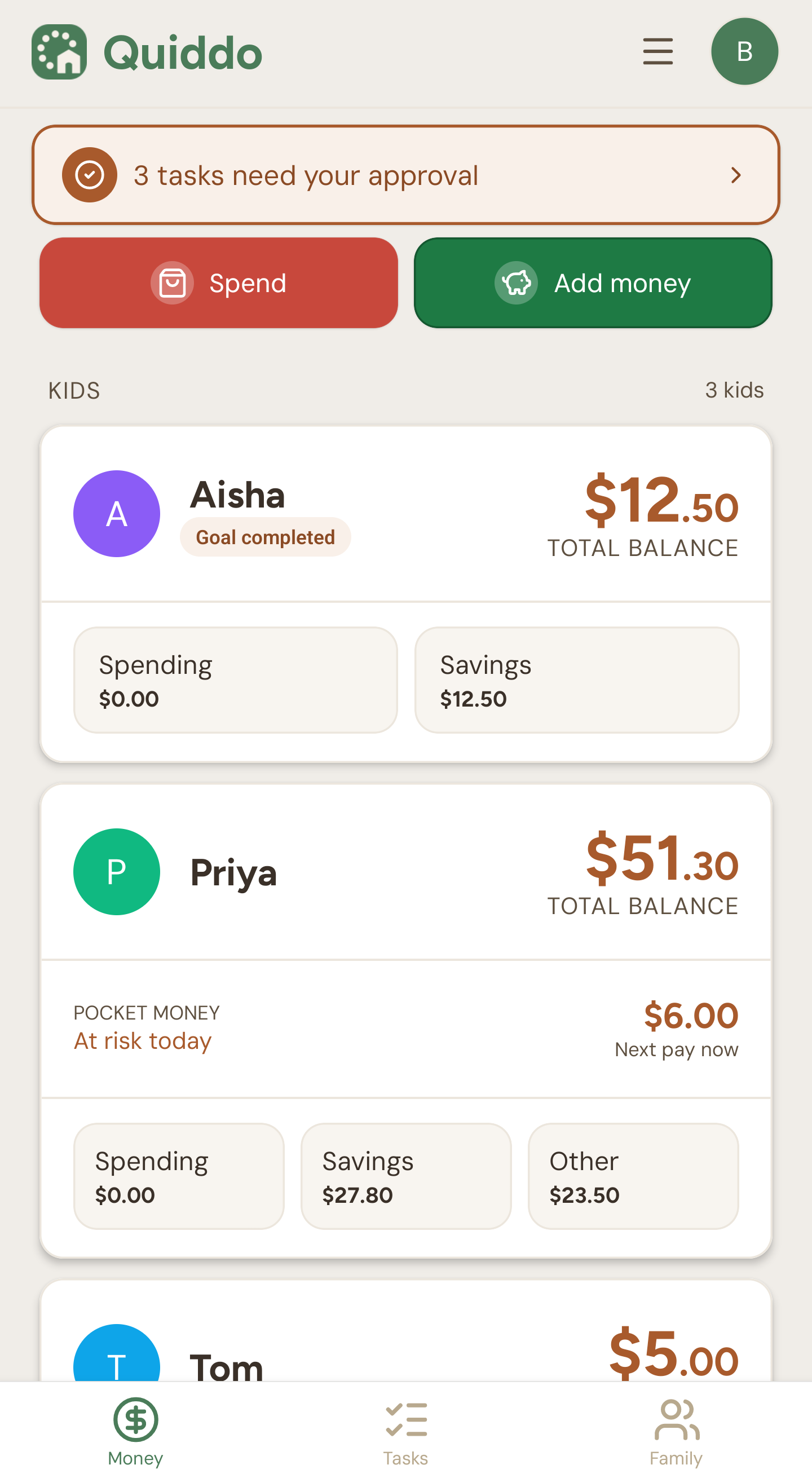
Every kid's balance and buckets on one screen, plus any tasks waiting on your approval.
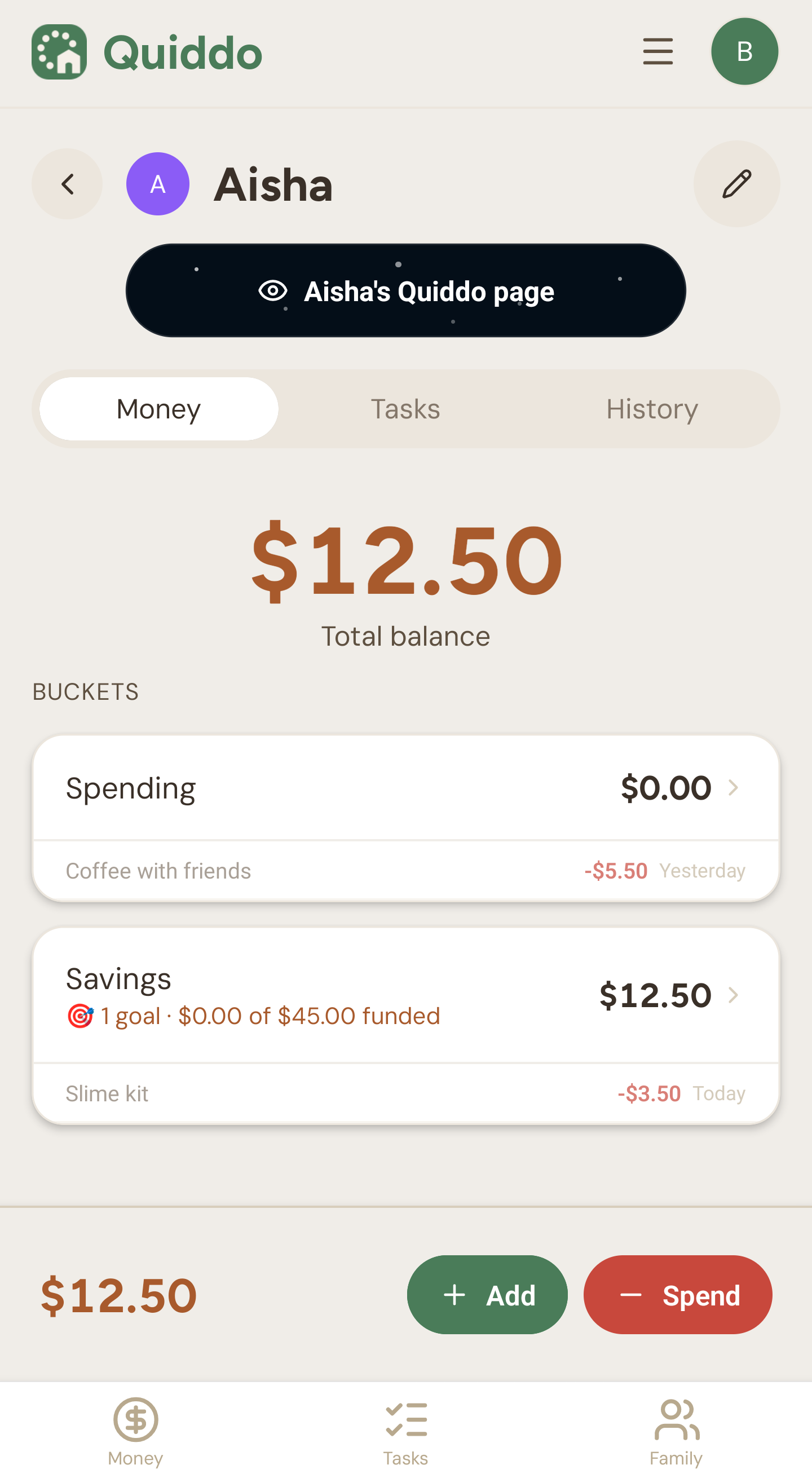
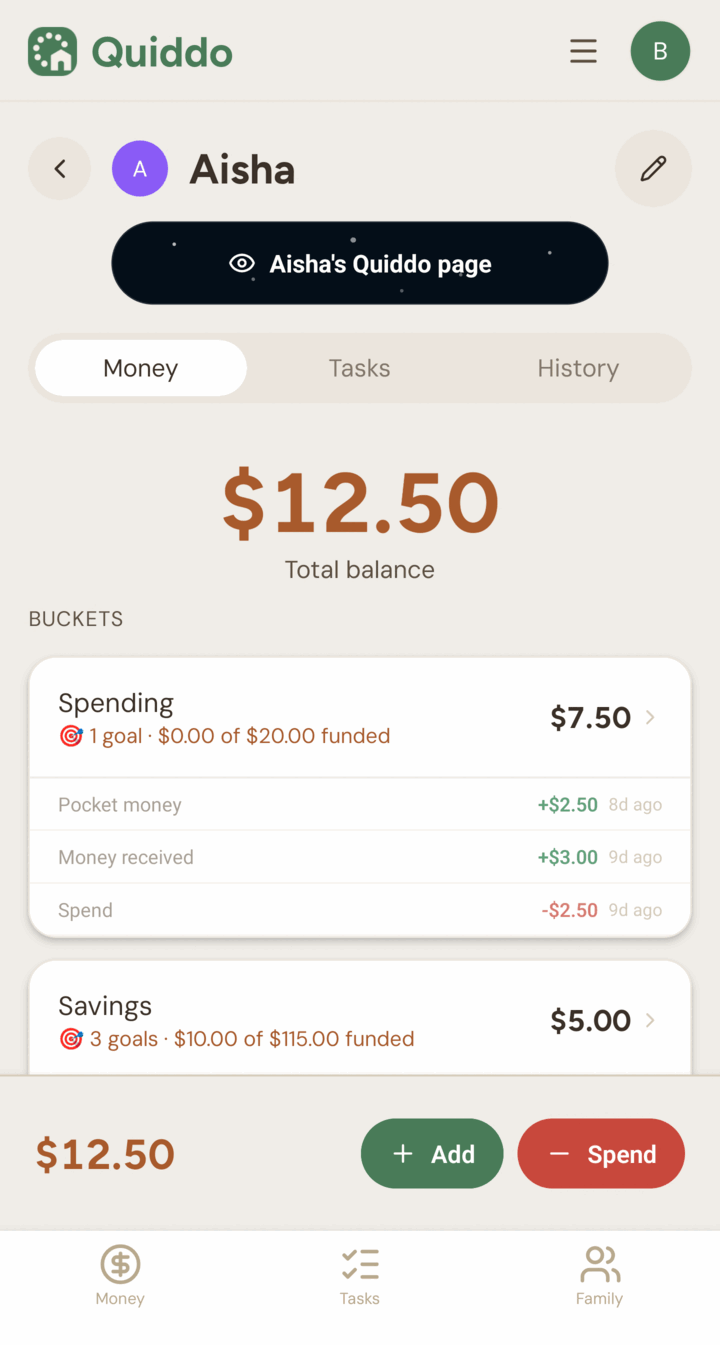
Quiddo Kid Overview
One kid's total balance, their buckets and what they spent lately, with buttons to add or spend money.
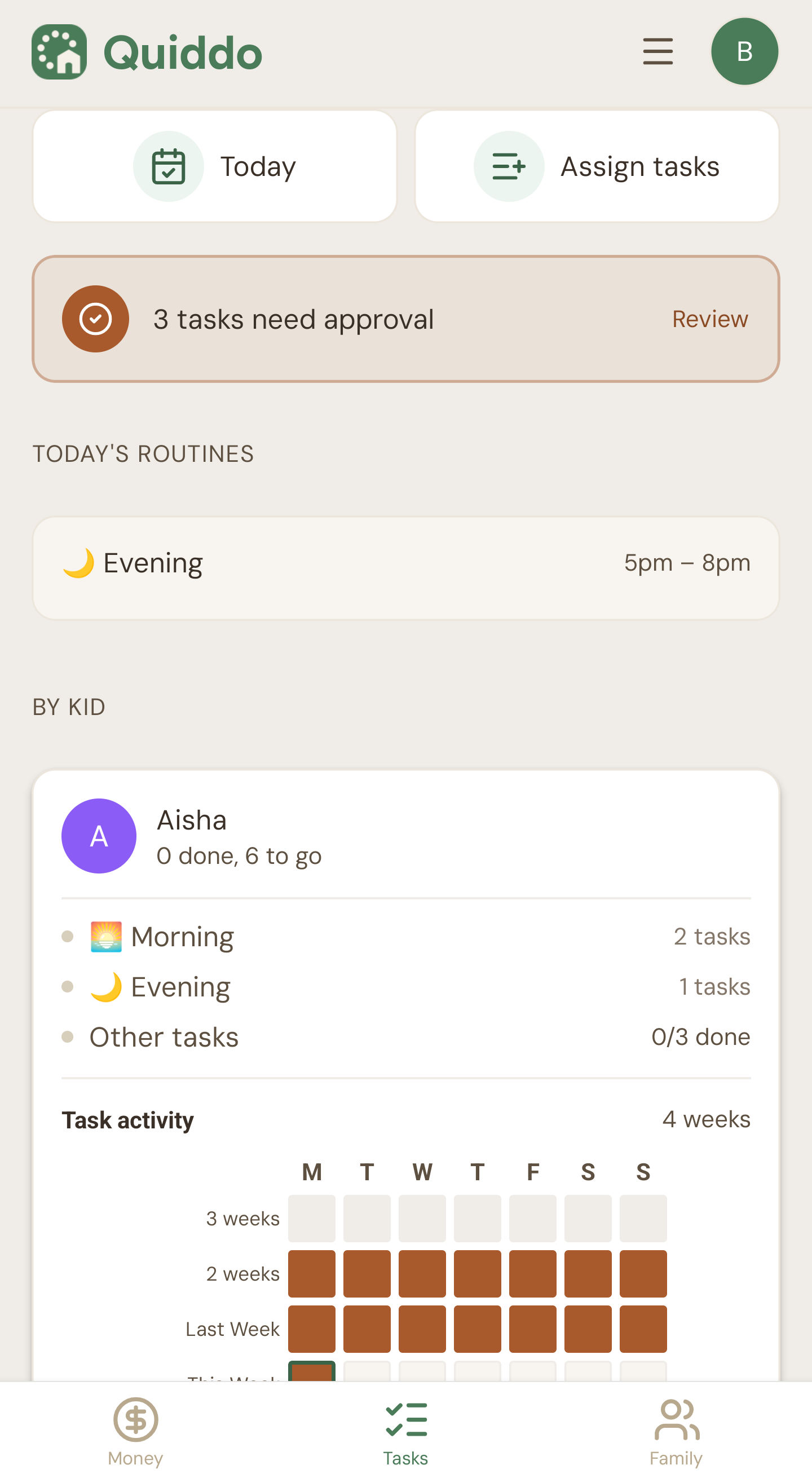
Quiddo Tasks
Today's routines, the chores waiting on your approval and each kid's task activity over four weeks.
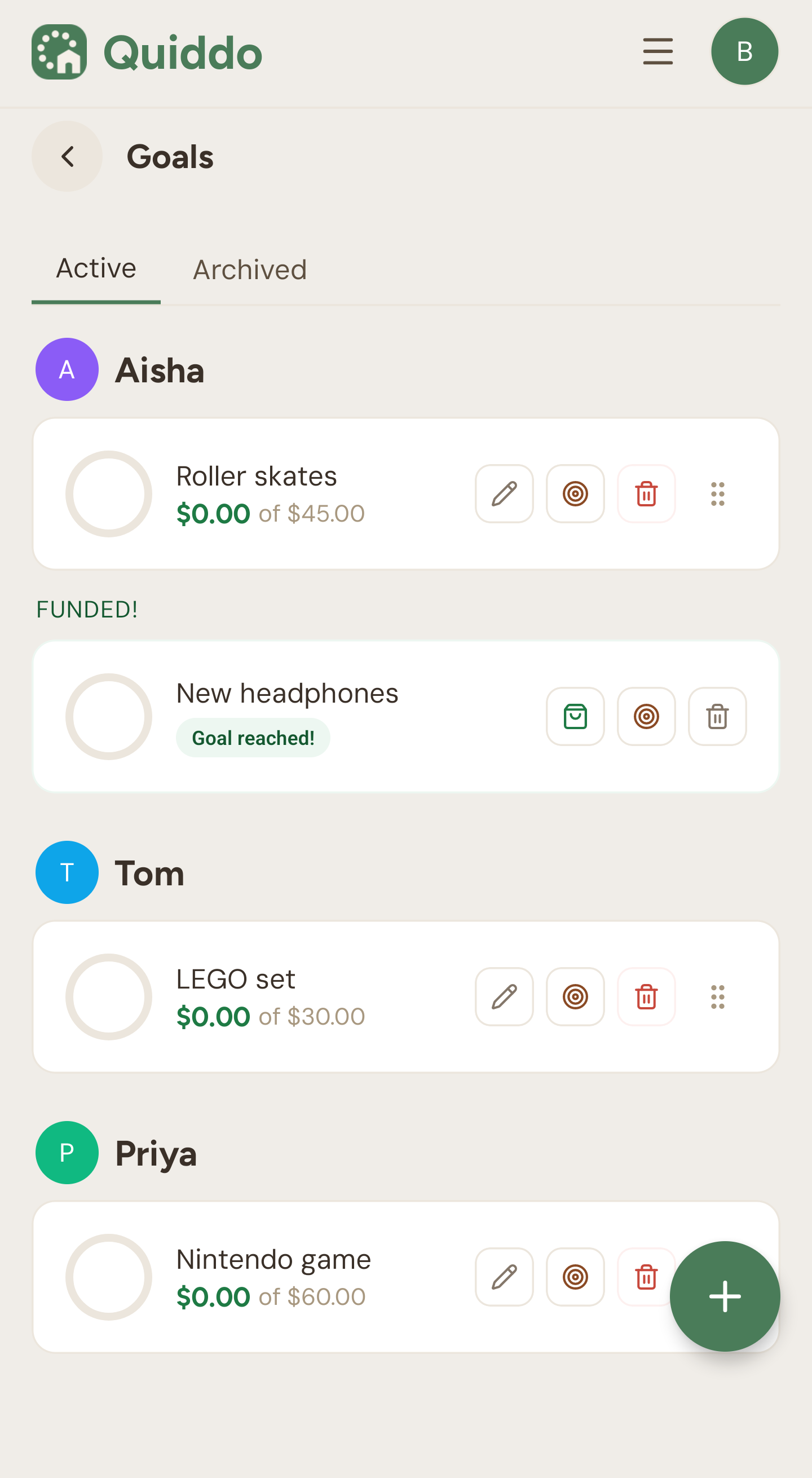
Quiddo Goals
Savings goals for each kid, from roller skates to a Nintendo game, with what they have put towards each one.
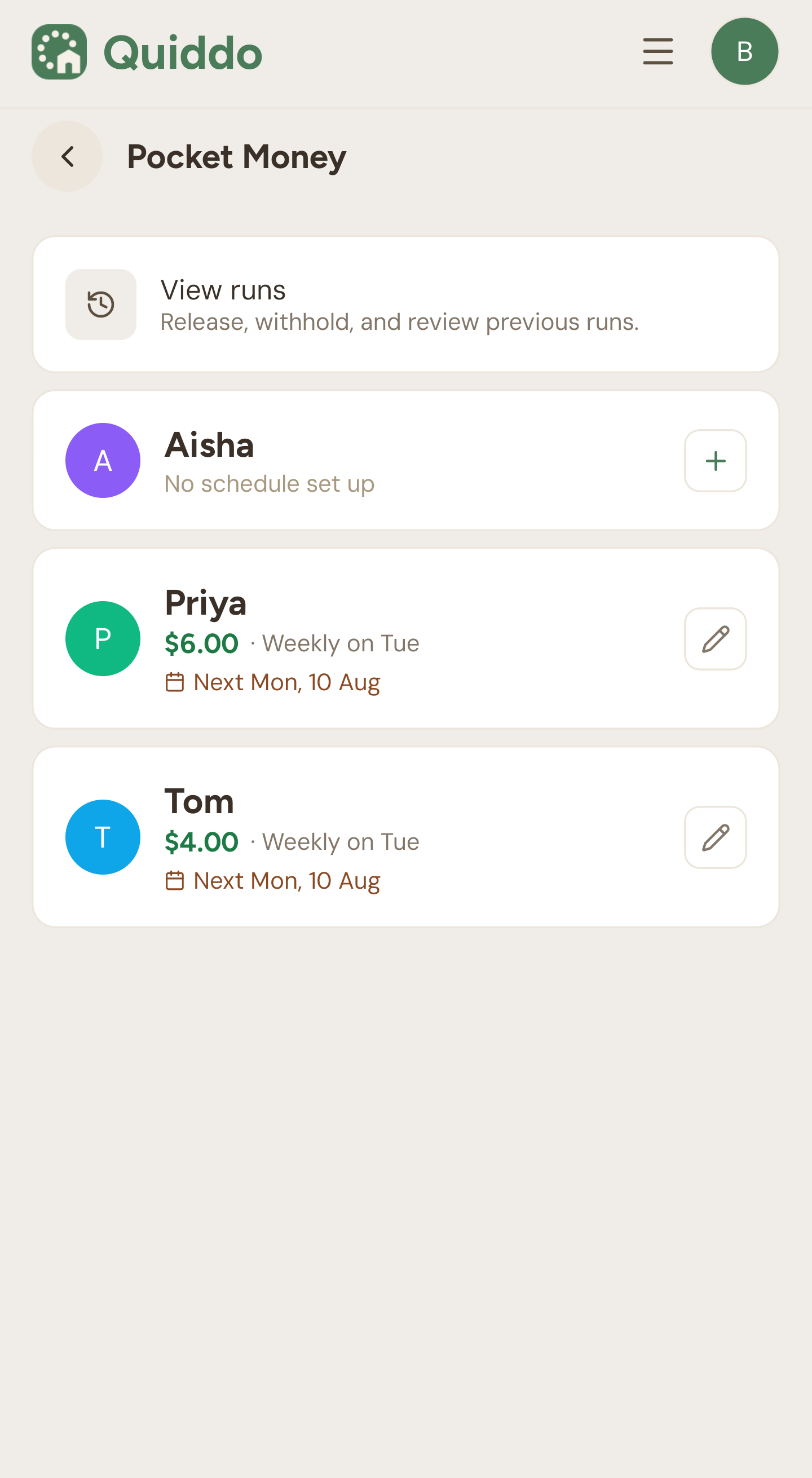
Quiddo Pocket Money
Each kid's pocket money amount and next pay day, with past runs a tap away.
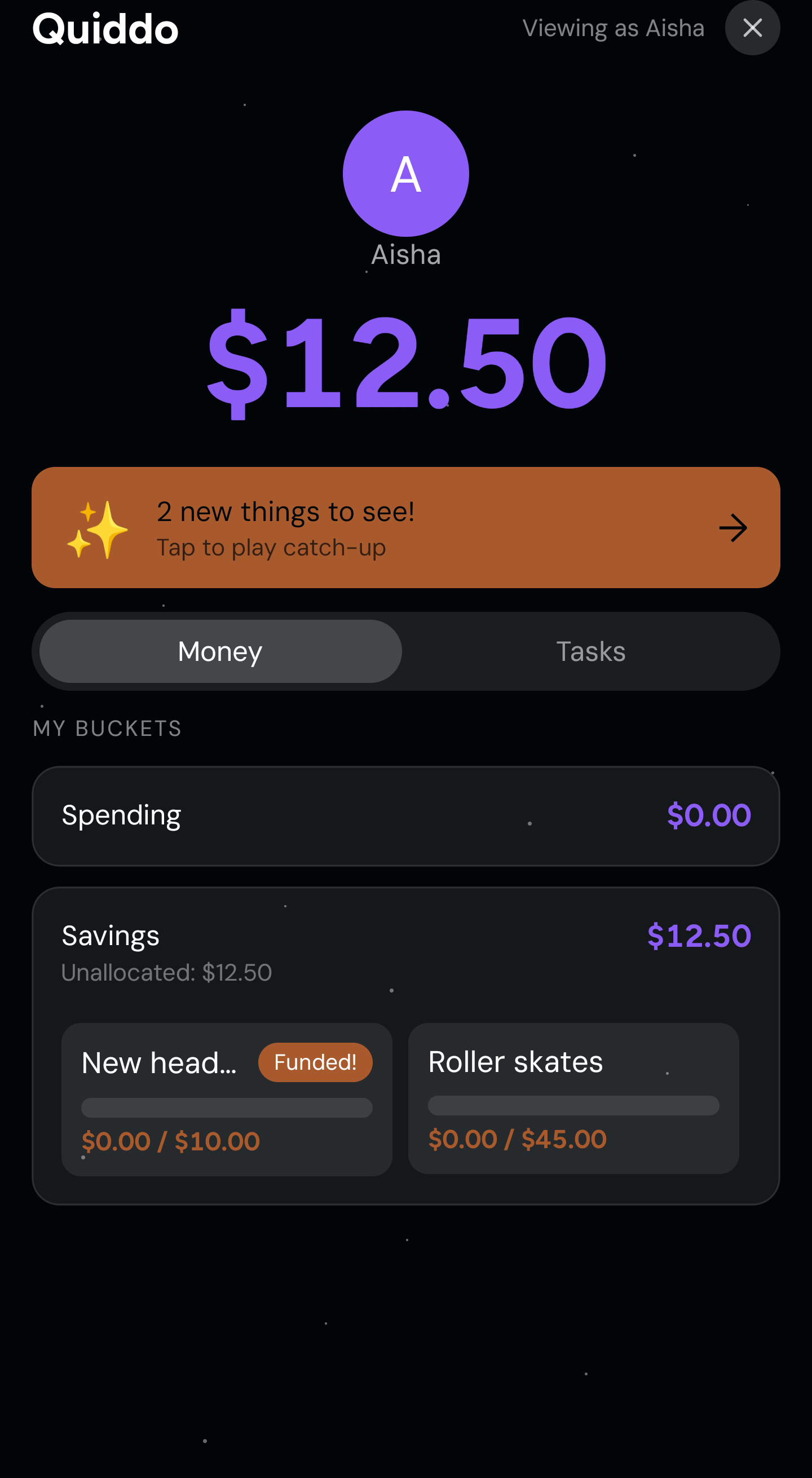
Quiddo Kid Portal
What kids see on their own device: their balance, their buckets and how close they are to each goal.
Setting up Quiddo
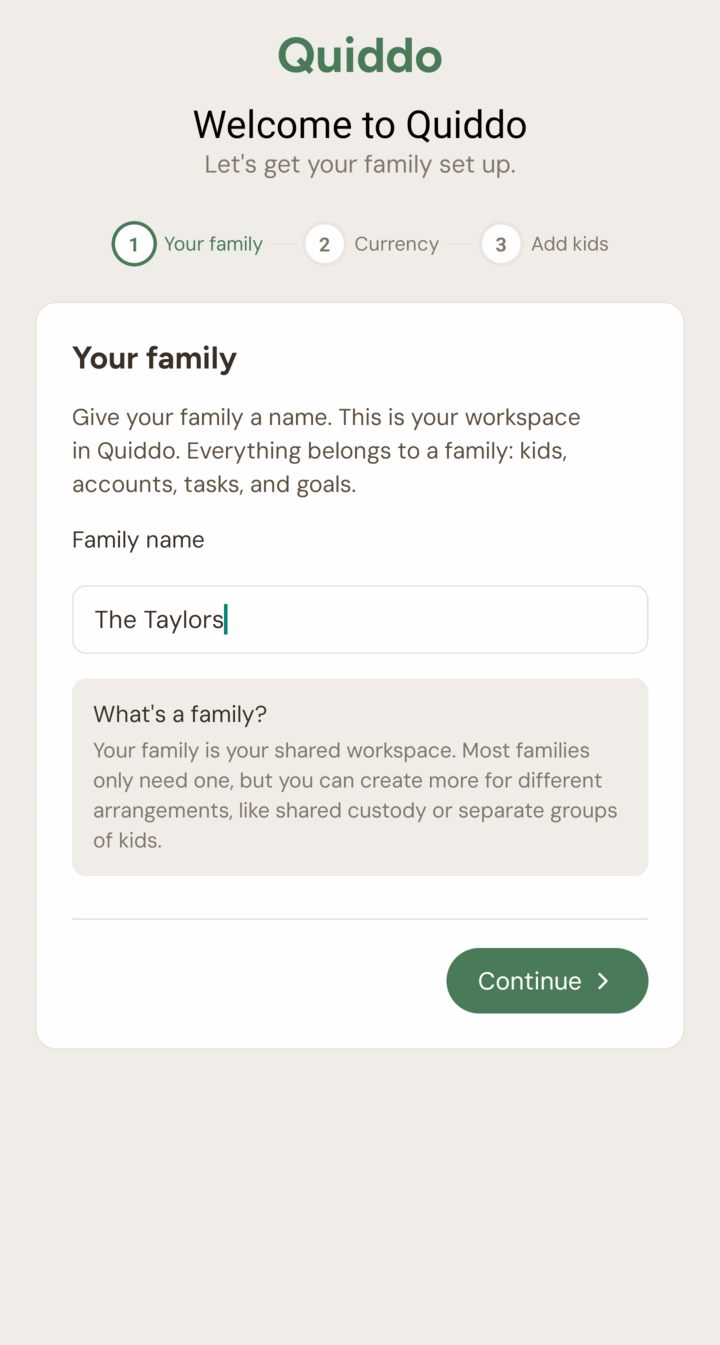
Create your family
Name your family workspace, then add each kid.
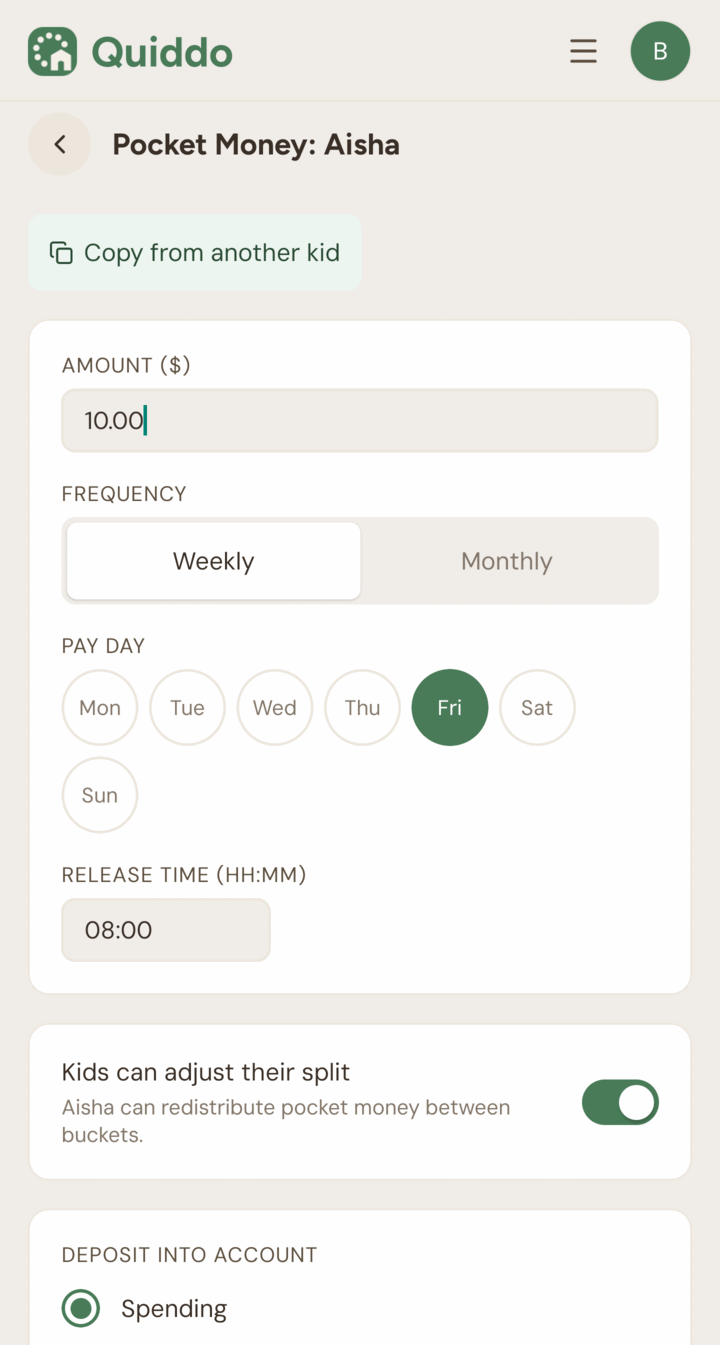
Set up pocket money
Pick an amount and a pay day for each kid.
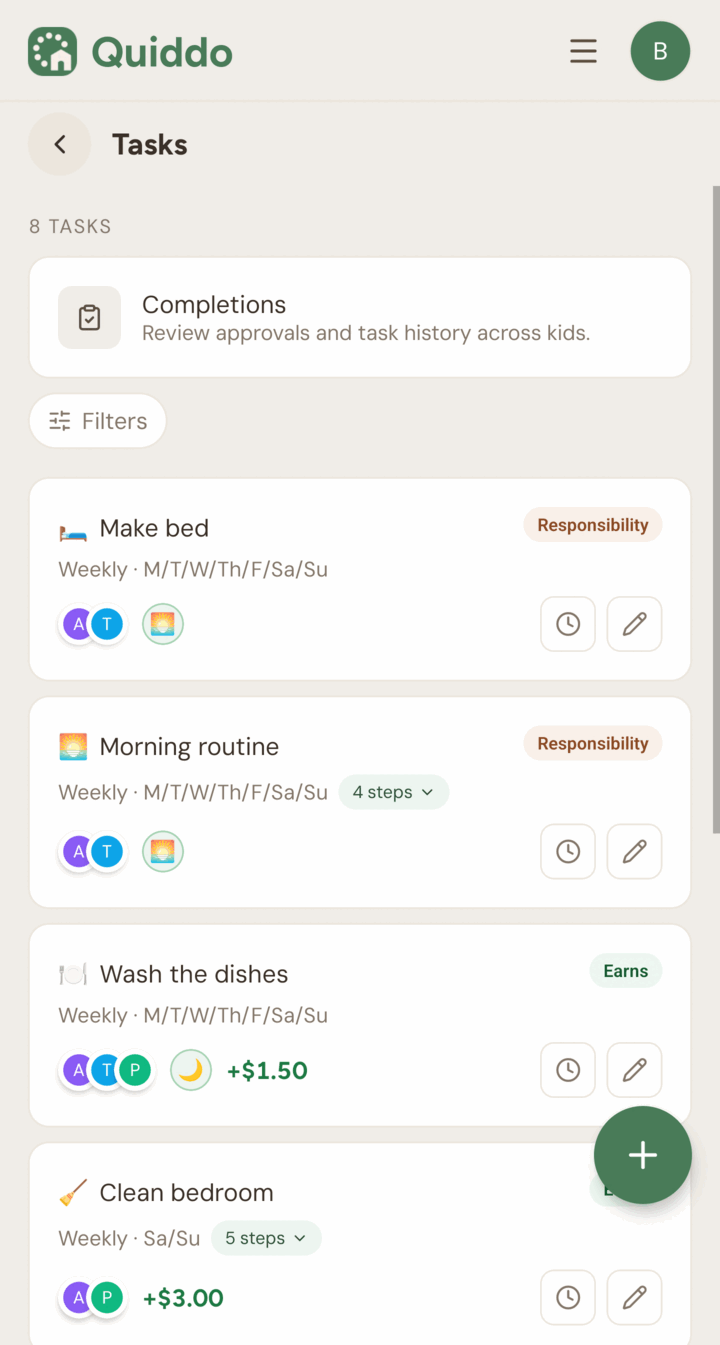
Add tasks
Set paid tasks kids earn from, and responsibilities they simply have to do.
They save, you pay
Kids watch their balance and buckets grow while you pay on your own card.
Want to click through it yourself? Try the interactive demo. Writing about Quiddo? The press kit has logos, copy and these screenshots to download.